Protect Webmail Data with Secure Backup and Restore Solution
Backup webmail emails securely with Shefware Webmail Backup Software. Save emails to PST, PDF, EML, and MBOX formats with an easy email backup tool.
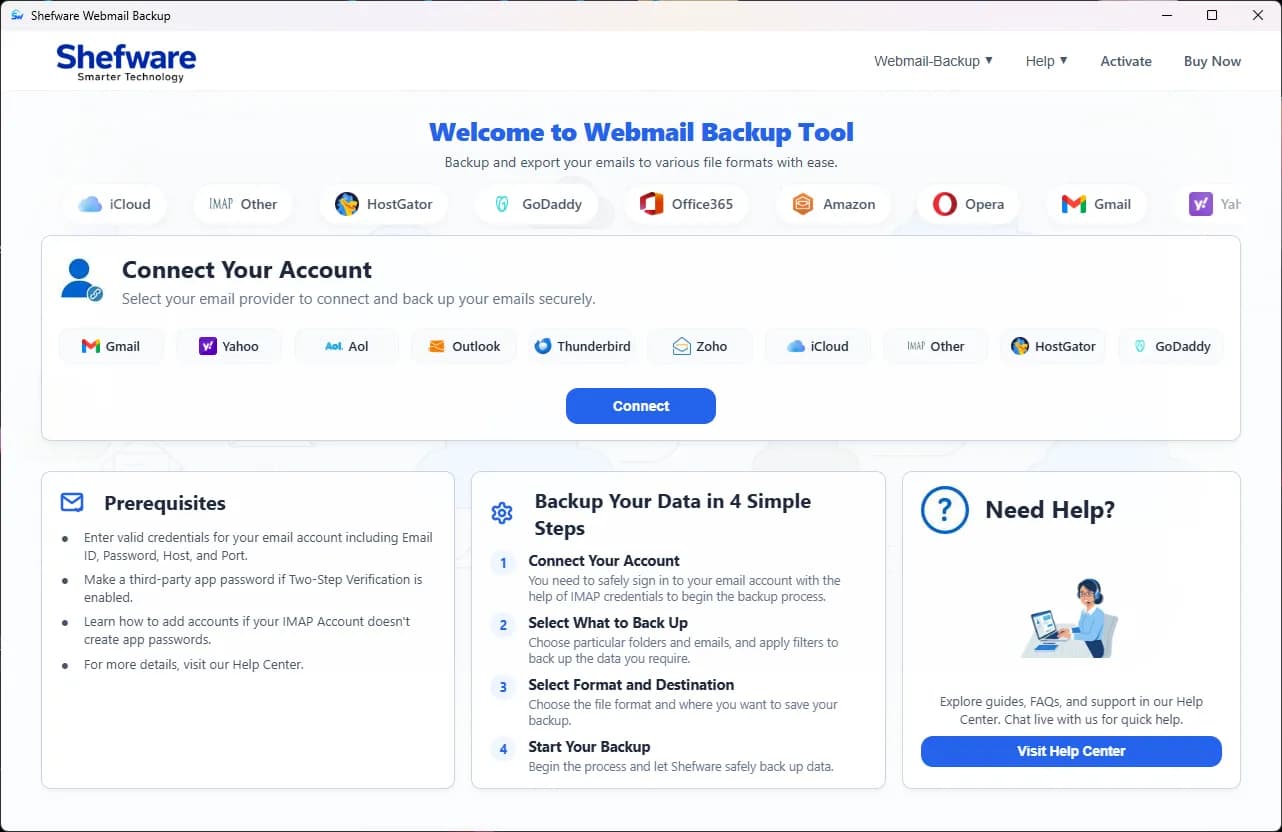
Backup any webmail account including emails, attachments, contacts, notes, and calendars smoothly.
Offers webmail IMAP backup to EML, PST, PDF, DOC, MSG, MHT, and DOCX.
Export webmail account data including Inbox, Trash, Sent, Draft, and Archive folders.
Back up emails from Gmail, Outlook, and iCloud Mail to your PC.
Provides advanced filters for selective webmail data backup.
Includes incremental backup to prevent duplicate backups.
Supports both Windows and macOS.
Webmail backup software helps users secure emails, migrate accounts, maintain compliance, and protect critical communication data.
Use the Webmail Backup Software to safely back up emails from IMAP-supported webmail services, including Gmail, Outlook, and Yahoo. So, you can keep and save webmail emails offline.
If you are required to save webmail data as a file, the tool lets you convert it to multiple formats for easy access, sharing, and restoring emails when required. It is also compatible with several email clients.
When you need to back up only important email content without large attachments, the Webmail backup tool helps in saving storage space and quick backup process. The business and professionals with restricted storage benefit.
Protect your email data with enterprise-grade security, reliable backup processes, and advanced recovery options.
Gets connected to webmail accounts by utilizing IMAP rules, making sure safe login without revealing the information.
During the backup process, the email data does not change, protecting the originality and cohesion.
We do not store or share user data, and making sure to maintain the confidentiality of the sensitive email details.
All the email data is encrypted using TLS 1.3 during the backup or migration process, protecting the forbidden access.
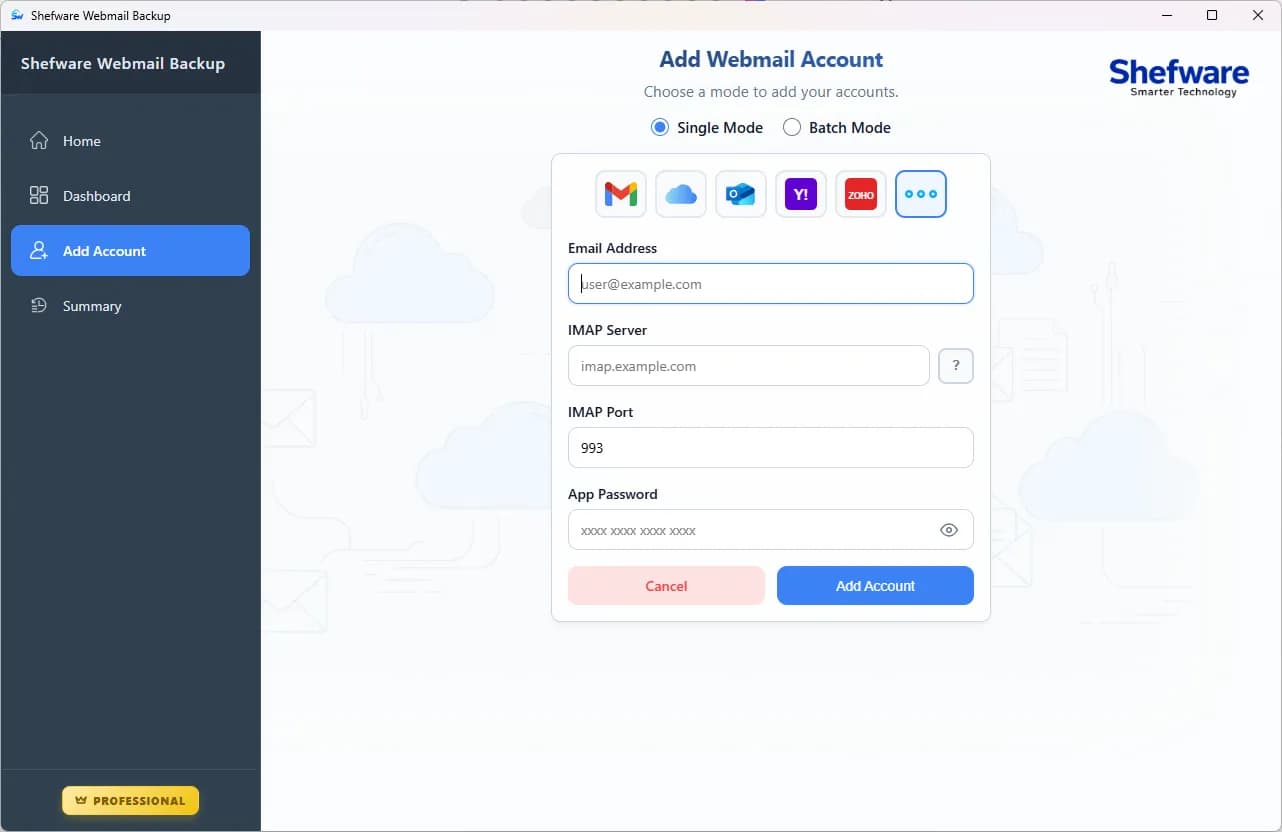
Smoothly back up all your IMAP emails to different file structures. It includes a webmail to PST converter, MBOX, MSG, PDF, CSV, DOC, DOCX, HTML, MHT, and EML.
Permits moving Webmail to several email clients like backup Yahoo Mail to PST, Zimbra, Thunderbird, Apple Mail, backup Hotmail emails locally, and others.
Provides particular data backup by utilizing item type, date, deleted folders, and other advanced options.
We offer incremental Email backup that automatically detects and backs up Yahoo Mail to PST and removes duplicates.
Manages the huge webmail data backup without losing any important data and without wasting time.
The tool is able to split a large PST file into various small files and provide a smooth backup.
Broadly compatible with all versions, containing Windows 10, 8.1, 8, 7, and others. The software is available for Mac users.
You can store your complete backup data as per your need, such as backup Gmail emails to local drive and network drives.
We easily back up Webmail email data.
We support all kinds of attachments with no restrictions.
We smoothly and simply manage the folder sequence of every mailbox.
Retain the metadata safely and securely.
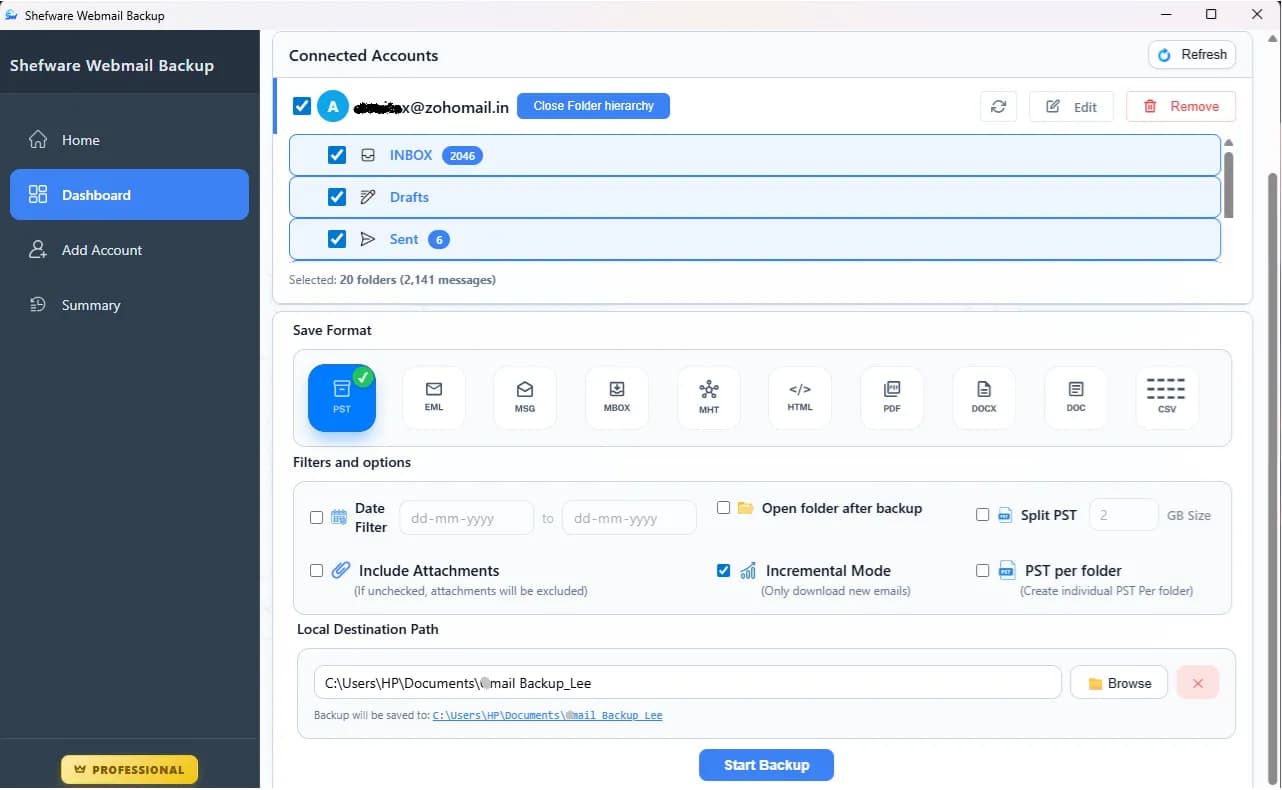
Watch our step-by-step video tutorial to understand how the software works and get started quickly.
In just 4 simple steps, quickly back up and save Webmail emails offline securely.
First, you need to download and install the Shefware Webmail Backup on the system.
The device connects to the IMAP server and securely installs mailbox data.
See logs and directly check all backup activity from the dashboard.
Securely backup, export, and migrate Webmail data with upgraded performance and smooth compatibility.

We offer one platform to back up and move webmail data across various environments. The users can export mailbox data to local storage, servers, and cloud platforms. The tool is developed for security and reliability.
Permits you to download your backup into various formats such as MSG, EML, PDF, PST, HTML, MHT, DOC, CSV, DOCX, and MBOX. We give multiple formats so that you can have a wider choice as per your needs.

Software permits you to move Webmail into various email clients like Thunderbird, Gmail, Outlook, Yahoo, Zoho, and more. We provide you with multiple email client platforms.

Safely and securely transfers Webmail data from one account to another. We are supporting various clients such as Office 365, Google Workspace, Exchange Server, and IMAP Servers.
Download Free Demo & Check System Requirements
Size: 15.73 MB
Version: 1.0.0.1
Hard Disk
500 MB space required
RAM
Minimum 4 GB RAM (Recommended 8 GB)
Processor
Intel(R) Core(TM) i3-4160 CPU @ 3.60GHz or above
Operating System - Windows 11 / 10 / 8.1 / 8 / 7 (32 & 64 Bit) , Window Server 2025 / 2022 / 2019 / 2016 / 2012 R2 / 2008 R2
The Web email backup tool for small business is a dependable tool for backing up webmail accounts. It manages folder sequence and installs emails without any problem.
System Analyst
We permit users to install and save emails from webmail accounts, such as Gmail and Outlook, to a local system in various formats.
You can use tool to backup Gmail emails to hard drive. First, log in to Gmail, choose emails, and save in the system.
The tool supports all IMAP services like backup Yahoo Mail emails, Outlook, and other webmail platforms, too.
First, add the Yahoo account, select folders, and install emails, which is the best way to backup work emails locally before closing the account.
Yes, with the help of using Batch mode to back up numerous email accounts continuously using a CSV file.
Yes, it protects the folder format, attachments, data, and email formats during the backup process.
You can smoothly save all emails from Webmail with the help of tool. It permits you to download entire mailbox data from webmail accounts to your desktop in various formats.
Yes, Shefware tool save webmail emails offline safe and secure, as we provide no data storage policy and end-to-end encryption.
Yes, the tool supports exporting emails into various formats such as PST, EML, PDF, MBOX, and others.
Yes, with the help of advanced filters such as date, subject, and sender to backup only the needed data.