Best PDF Converter Tool with Accuracy and Security
Change PDF documents into multiple file formats and convert various file types into PDF easily. Ensures quick, secure, and precise conversion while preserving document format images, tables, hyperlinks, and layouts.
★ PDF Converter Tool Fully Secured Download Version
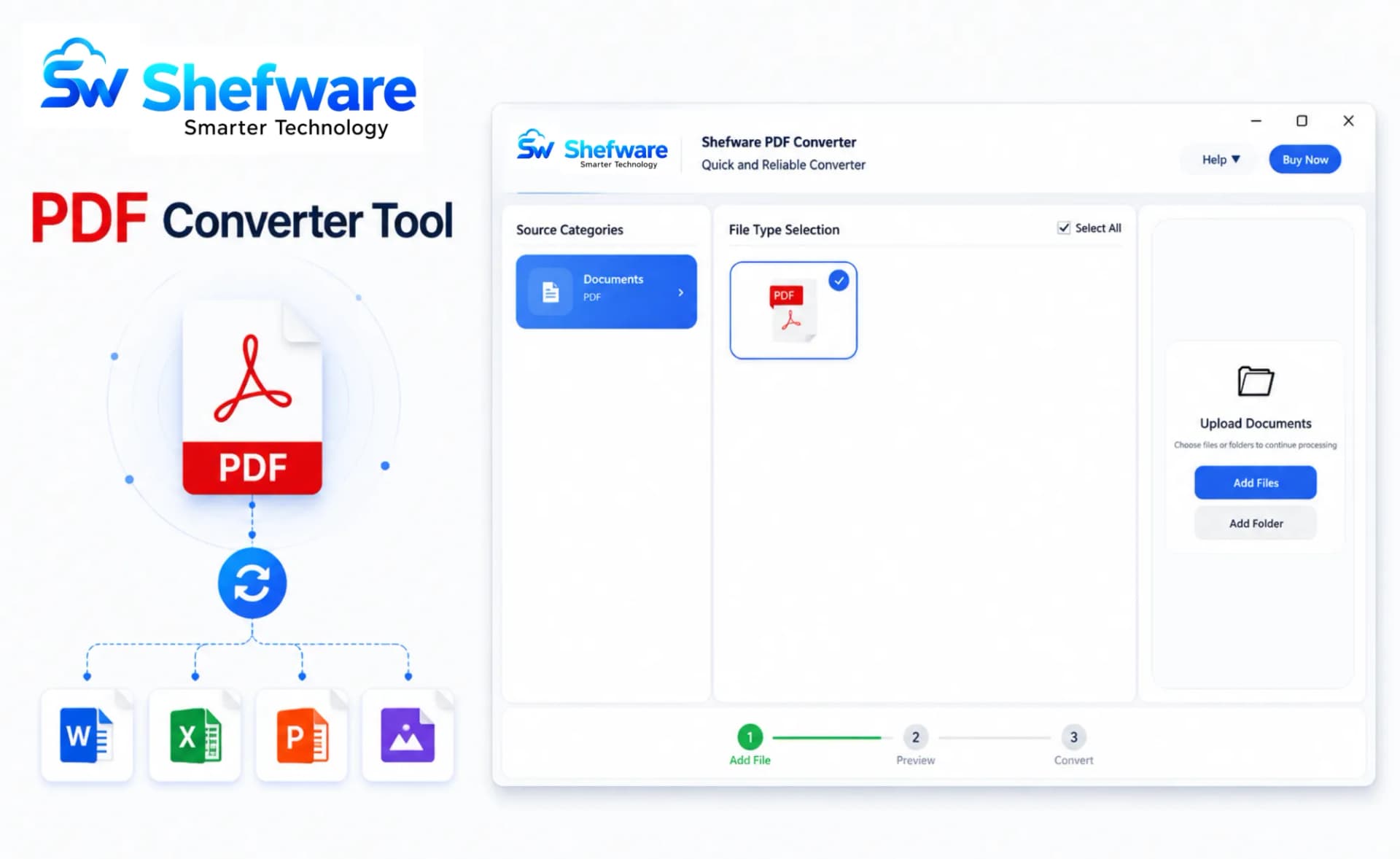
Convert PDF files into multiple extensions.
Generate PDF files from multiple document formats.
Save original formats, fonts, images, tables, and hyperlinks.
Bulk convert a single PDF file into multiple extensions at the same time.
No Adobe Acrobat installation needed.
Advanced filtering options and file selection.
Change PDF files into EPUB format for e-reading.
Save converted PDF files to your preferred location.
Compatible with all Windows versions.
PDF is the universally accepted file format across all devices and operating systems.
Original fonts, layouts, images remain the same.
Suitable for long-term storage.
Our MBOX to PST Converter securely converts mailbox data into PST format while preserving email properties, attachments, and folder hierarchy.
Convert PDF files into 20+ formats including Word, Excel, Text, HTML, JPG, PNG, and more without losing formatting or data.
Generate PDF documents from Word files, spreadsheets, images, text files, and more for easy sharing and archiving.
Convert various PDF files into one file without processing them separately. This saves time and enhances productivity for businesses.
Convert PDF files to EPUB format for smooth reading on e-readers, tablets, and mobile devices. Manage document content and format for a simple digital reading experience.
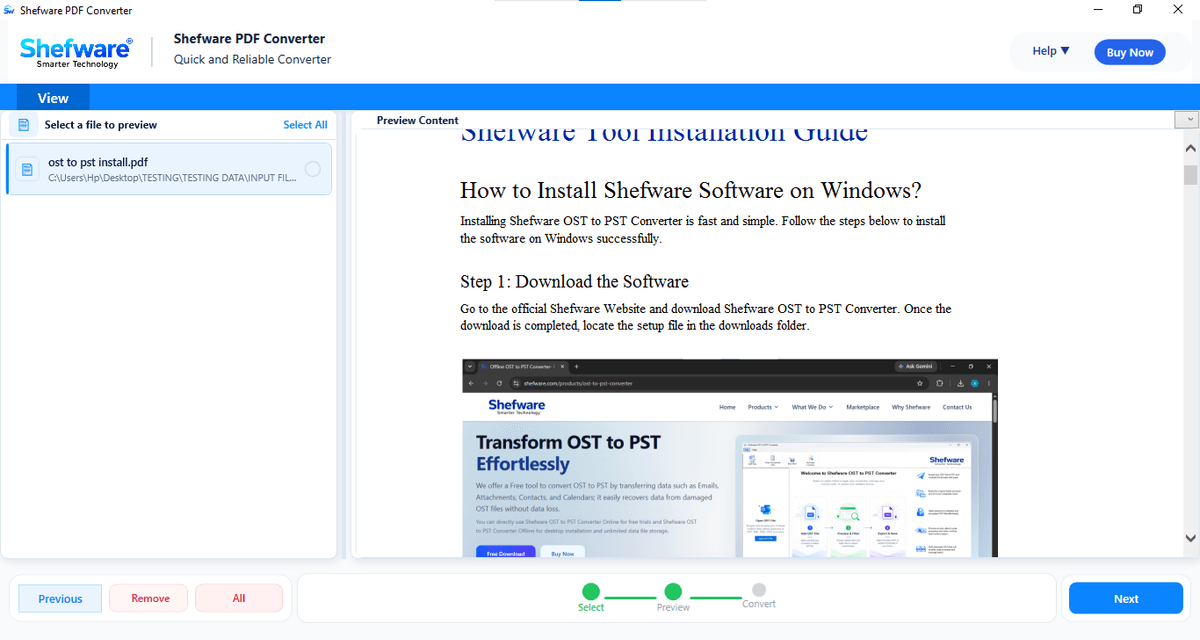
Preview PDF files before conversion and remove unwanted PDFs with a single click for accurate processing.
Supports all Windows versions including Windows 11, 10, 8.1, 8, 7, Vista, Office 365, and older versions.
Maintains and preserves the original mailbox data after the conversion process. Retains document properties like title, subject, modification date after conversion.
Preview included PDF files and convert one PDF with watermark support using the free trial version.
PNG, JPG, GIF, TIFF, BMP, SVG
DOC, DOCX
XLS, XLSX, CSV, APS
PPT, PPTX, XPS
HTML, TXT
TEX, EPUB
All conversion runs locally on the system, making sure overall privacy.
Original documents stay unchanged during the conversion process.
Preserve document format, structure, images, hyperlinks, and metadata.
Upgraded algorithms make sure precise and safe conversion of all file types.
Run the conversions locally without uploading documents to outside servers.
Developed with a simple and easy interface, ideal for all users.
Ensures accurate conversion while preserving document structure and format.
Works with no dependency without needing an Adobe Acrobat installation.
Download Free Demo & Check System Requirements
Size: 196.73 MB
Version: 1.0.0.1
Hard Disk
500MB MB space required
RAM
Minimum 4 GB RAM
Processor
Intel® Core™ 2 Duo CPU E4600 @ 2.40GHz 2.39GHz or above
Operating System - Windows 11, 10, 7(64 bit), Windows Server 2025
Prerequisites - Requires .NET Framework 10
The Shefware Offline PDF Converter protects all formats and tables perfectly. The conversion was fast and simple.
Document Controller