Written By
Elan ClainApproved By
Mr. Tarun KumarPublished on
14 Jul 2026Min Reading
8 Min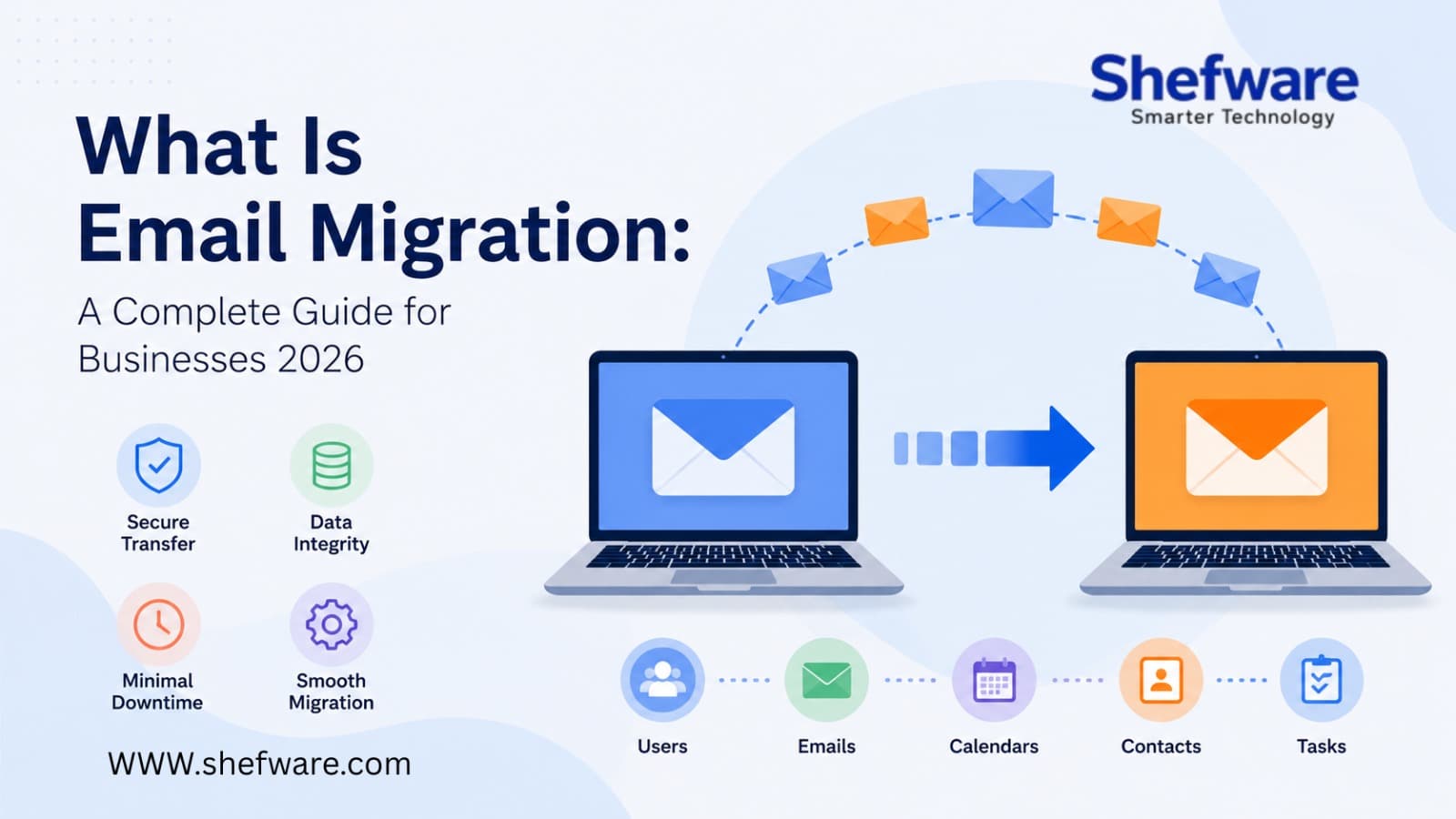
Email is the backbone of business communication, making a dependable email platform important for productivity and collaboration. As companies or organizations grow, they select to change providers, advance to cloud-based services, or combine various email systems. A complete migration contains not only moving messages, but more than that. While small migrations can often be completed manually, many businesses depend on email migration tool or email migration services to simplify the process.
Email Migration is the process of moving email data from one server to another. Businesses sometimes move to enhance collaboration, security, storage capacity, and modernize their IT infrastructure. It depends on the company's needs, but a migration might contain:
Utilizing email migration software makes sure that the details are moved accurately while saving the original mailbox structure.
The organizations move their email systems for various reasons. Many are advancing to cloud-based platforms; on the other hand, replace old infrastructure or merging various business environments. Some of the most common reasons include:
As the business grows, manual migration becomes complex. The Email migration services and automatic tools help companies complete migrations quickly while limiting business disruptions.
The manual migrations need important planning and can become difficult when various mailboxes are involved. An automatic email migration tool provides various benefits:
For businesses looking for a solution, Shefware Email Migrator assists in safe migrations on various email platforms with a user–friendly interface developed for both IT experts and business users.
Selecting the correct migration approach relies on the existing email environment and the destination platform. Let’s understand each type of migration for your better understanding:
The Office 365 Migration is the common migration project nowadays. Businesses migrate to Microsoft 365 to get the benefit from enhances collaboration, storage, upgraded security, and centralized administration. Relying on the company's size, administrators might select cutover, staged, or hybrid approaches.
Some organizations run Google Workspace email migration when changing from old email systems or changing between business productivity platforms. A proper migration makes sure emails, contacts, and calendars are moved precisely.
The Microsoft Email migration involves migrating mailboxes between Exchange environments, Microsoft 365 tenants, or other related platforms while managing mailbox integrity and user access.
An overall migration email migration contains more than email messages. Modern email migration software can migrate a wide range of mailbox data, including emails, Attachments, Contacts, Calendars, Tasks, Notes, Shared mailboxes, folder structure, and email metadata. Moving all important data ensures users can continue working without losing crucial business details.
Every migration begins with a transparent email migration plan. Structured planning minimizes risks, prevents sudden problems, and keeps the project on schedule.
Review the mailboxes, storage needs, user accounts, and email platforms. Find inactive accounts and unimportant data before the migration starts.
Select the platform that fits business needs, whether it's Microsoft 365, Google Workspace, Exchange Online, or another cloud-related solution.
Design an Email migration project plan template that clarifies goals, timelines, responsibilities, procedures, and rollback methods if a problem arises.
Always generate a full backup before beginning the migration process. A backup offers an extra layer of protection against errors.
Validate the migration with a small number of users. This permits administrators to find problems and check the migration process before transferring all mailboxes.
When the validation process is completed, move the rest of the users. With the help of Shefware Email Migrator helps automate this phase by assisting in safe, large-scale mailbox migration while protecting it.
After the migration, you need to confirm that all the data has been transferred completely.
Before initiating your migration project, use the migration checklist mentioned below:
Following a structured checklist helps reduce migration risks and ensures a smoother transition for your organization.
A complete migration needs proper planning, the correct approach, and a dependable solution to make sure your business continues. If you are running Office 365 email migration, Google Workspace email migration, or moving between other email platforms, following an organized plan and checklist can help in limiting downtime and saving your data. Using the right tool, like Shefware Email Migrator, with its advanced features and reliable security, helps in running the migration process easily.
Ans. Email Migration is the procedure of migrating emails, attachments, contacts, calendar, and other mailbox data from one server to another.
Ans. The migration tool limits manual effort, decreases downtime, and protects mailbox data, folder sequence, and email metadata.
Ans. Email migration software can migrate a wide range of mailbox data, including emails, Attachments, Contacts, Calendars, Tasks, Notes, Shared mailboxes, folder structure, and email metadata.